
What should you check before you start?
Pull out your current agreement and your latest statement. Look for:
- The term length and whether it renews on its own
- Any early-termination fee, and the notice window to cancel
- Whether your terminal is owned, rented or leased, and whether a lease has its own terms
Knowing these first helps you pick a switch date that avoids surprise fees.
What should the new provider put in writing?
Every fee, the contract term, any cancellation fee, equipment costs and who you call when something breaks. Ask whether your current terminal can be reprogrammed or whether new equipment is needed. Approval isn't automatic, so plan for an application step with documents such as owner ID, a voided check or bank letter, and a business license or EIN letter.
How do you cut over without missing a sale?
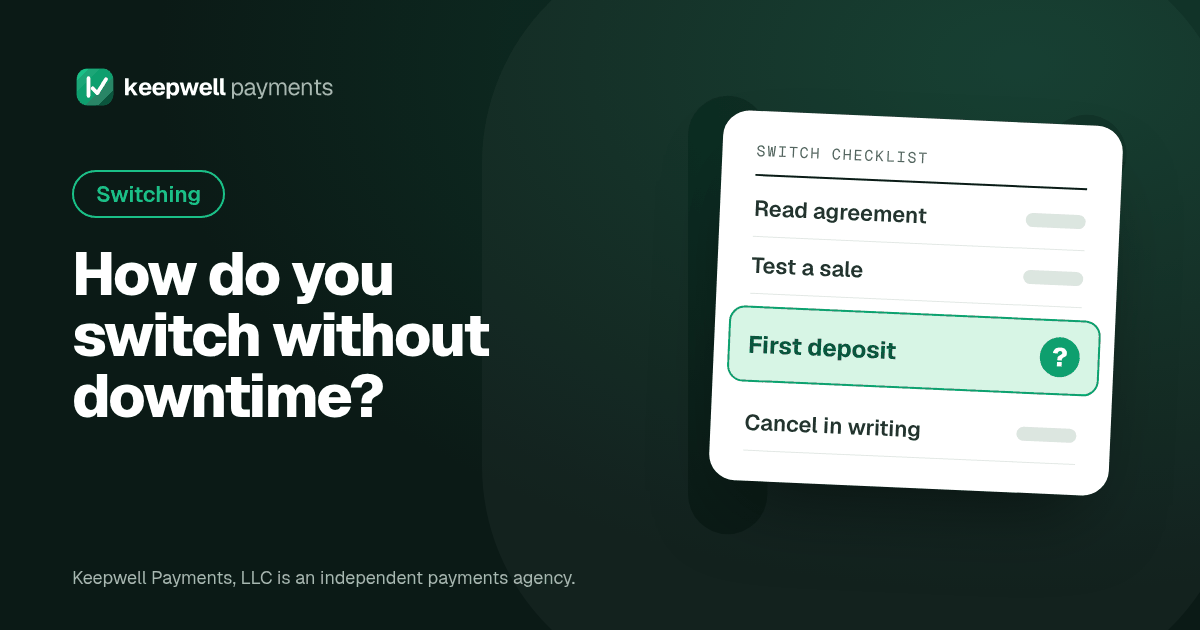
- Set up and test first. Before your switch day, run a test sale and a test refund on the new setup.
- Pick a slow day for the switch, and tell your staff what changes at the counter.
- Run both for a short time if you can, so there is a backup.
- Check online and saved payments. If you take online payments, recurring billing or saved cards, ask how those move before you switch.
- Watch your first deposit from the new account land in your bank.
What do you do with the old account?
Keep it open until the new one is working and your first new deposit has arrived. Then cancel in writing and keep a copy. Keep access to the old portal for a while, because refunds and disputes on older sales can still come through it. Check your bank account for a few months in case old fees keep coming out.
What to ask before you switch
- When does my current agreement end, and how do I give notice?
- Is there a cancellation fee, and how is it figured?
- Can my terminal be reprogrammed, or do I need new equipment?
- How long will I keep access to my old portal?
Frequently asked questions
How long does switching take?
It depends on approval and equipment. Once you are approved, setup can take a few days and is scheduled around your hours.
Should I cancel my old account first?
No. Keep it open until the new account is working and your first new deposit arrives, then cancel in writing.
What happens to refunds on sales from my old account?
Refunds and disputes on older sales may still go through your old provider. Keep access to your old portal for a while after you switch.
How Keepwell can help
Want us to look at your statement? Upload it at keepwellpayments.com/upload for a free, no-obligation review.
Keepwell Payments, LLC is an independent payments agency. Accounts are set up with a payment processor we partner with, named before you sign. Merchant accounts are subject to approval. Results vary by business. This article is general information, not legal or financial advice.